2023
Arch Linux on the Lenovo Slim Pro 9i 14IRP8
Pretty good. This keyboard is (dare I say) Thinkpad quality. The machine runs hotter and the fans are louder than my AMD-based Lenovo Yoga 14sACH 2021, but it has performance to match. The mini-led display is eye searing (brighter than a mini-led MacBook Pro). That said not everything is working on the Linux Desktop just yet. The issues highlighted below occur on my daily Arch install as well as a Fedora 38 live USB. Kernel: 6.3.9-arch1-1 Component Working? Notes Wifi Yes Bluetooth Yes Touchpad Yes Keyboard Yes Display Mostly Screen flickers at 3072x1920x165hz, even with i915.enable_psr=0. Setting to 60hz resolves. Webcam Yes It’s even fairly decent Audio No See note USB-C Yes USB-C hub, easily outputting 3440x1440x100hz over HDMI with 90W passthrough charging. Thunderbolt ? No thunderbolt devices to test with NVIDIA 4050 ? Haven’t cared to install drivers yet Sleep No Only s2idle is available, and the laptop gets HOT in this state. Audio OOB I only saw “Dummy Output” in GNOME settings. Even external speakers don’t show up properly. Installing sof-firmware made these two devices show up in GNOME settings. ✅ HDMI Speakers now sound fine. ❌ Internal speakers sound horrible, like playing out of a phone from 2002. They sound fine in windows so this must be a driver issue. Also tried this modprobe, which helped in the naming of the Analog Internal Speakers, but didn’t fix the sound quality. ACPI BIOS Errors I’m seeing boot logs filled with errors like this: Jun 29 09:41:18 valla kernel: ACPI BIOS Error (bug): Failure creating named object [\_SB.PC00.TXHC.RHUB.SS01._PLD], AE_ALREADY_EXISTS (20220331/dswload2-326) Jun 29 09:41:18 valla kernel: ACPI Error: AE_ALREADY_EXISTS, During name lookup/catalog (20220331/psobject-220) ... Jun 29 09:41:18 valla kernel: ACPI BIOS Error (bug): Failure creating named object [\_SB.PC00.XHCI.RHUB.SS04._UPC], AE_ALREADY_EXISTS (20220331/dswload2-326) Jun 29 09:41:18 valla kernel: ACPI Error: AE_ALREADY_EXISTS, During name lookup/catalog (20220331/psobject-220) I’m happy to blame anything on ACPI, but I’m not sure if this is something I should be concerned about. Kernel command line initrd=\intel-ucode.img initrd=\initramfs-linux-lts.img cryptdevice=/dev/nvme0n1p2:main root=/dev/mapper/main-root resume=/dev/mapper/main-swap idle=nomwait delayacct References I’ll update this as things improve. PM me for more info.
2022
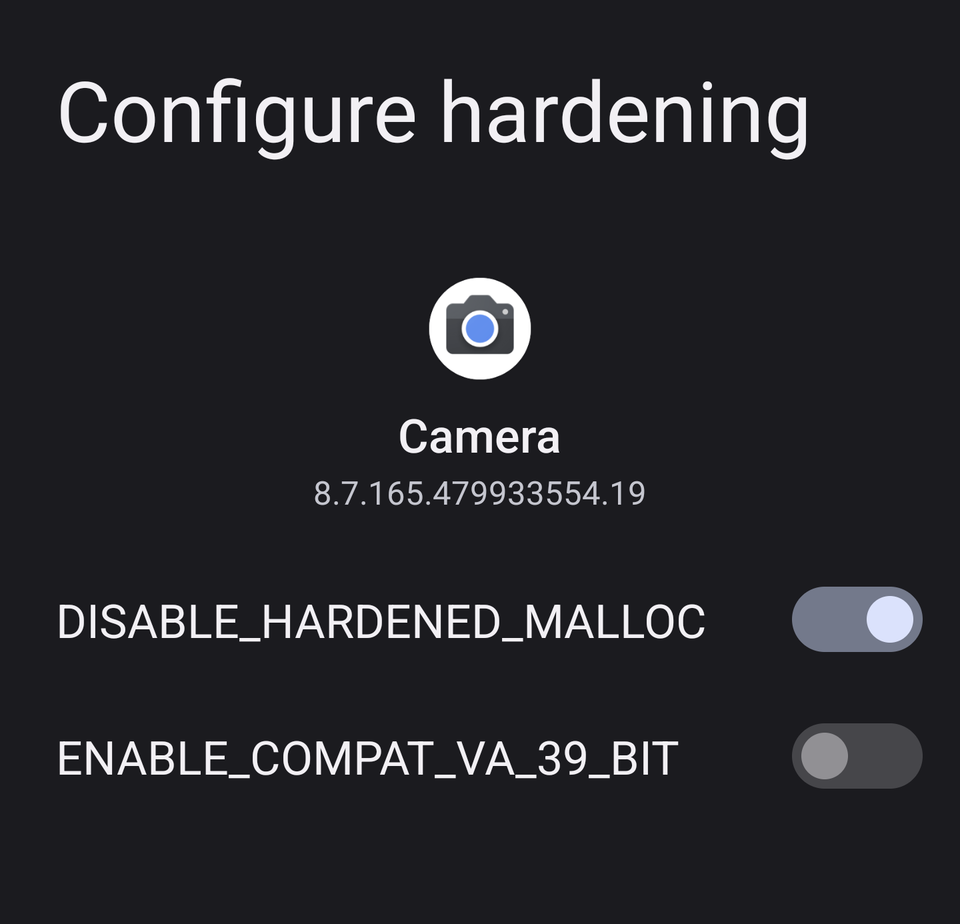
Fix GCam Lag in GrapheneOS
Turn on `DISABLE_HARDENED_MALLOC`.
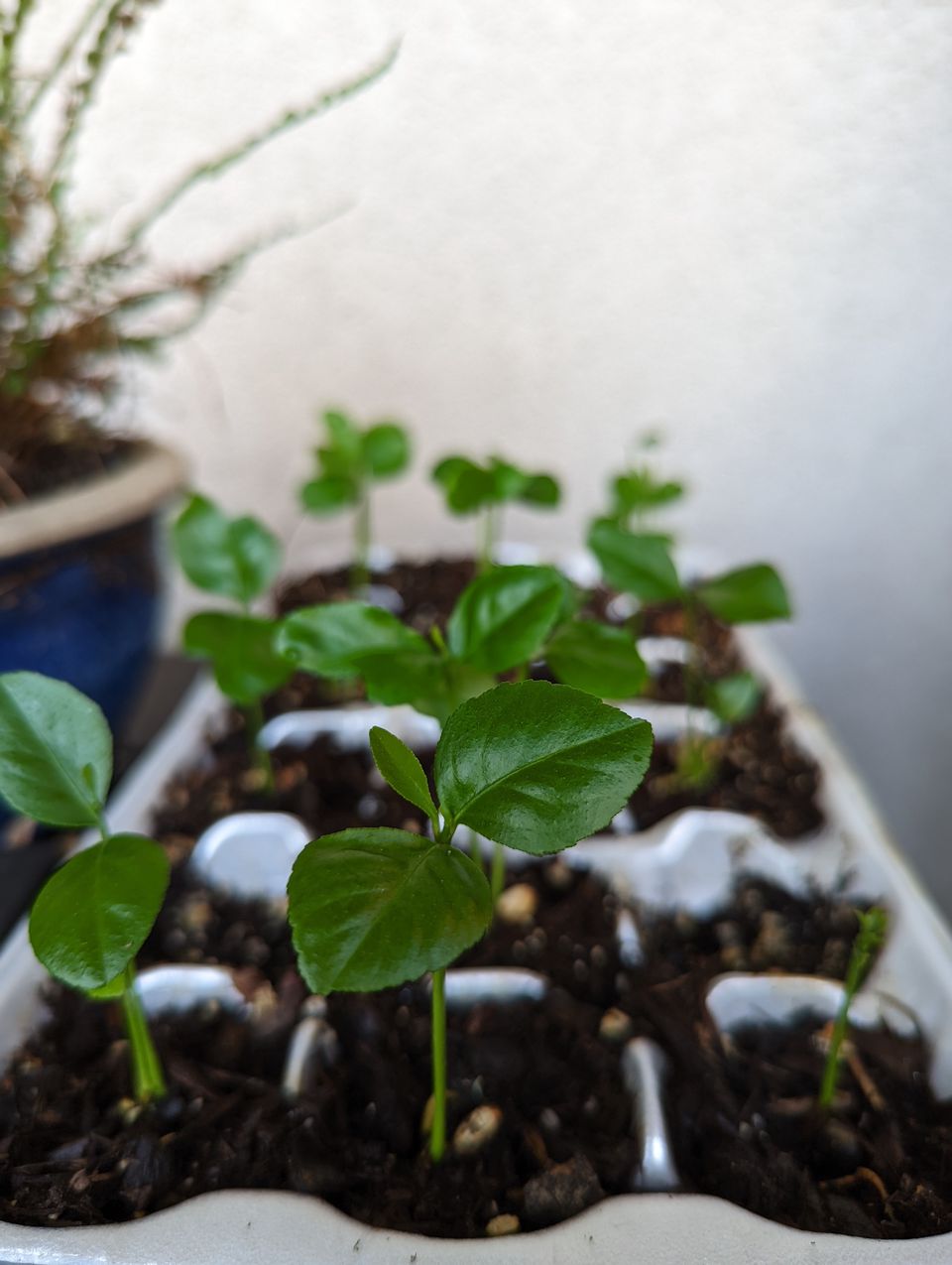
OnePlus 7 Pro vs Google Pixel 6 Pro (Using LineageOS GrapheneOS)
My review of the Pixel 6 Pro vs the crown bearer OnePlus 7 Pro, from the perspective of alternative Android ROMs.
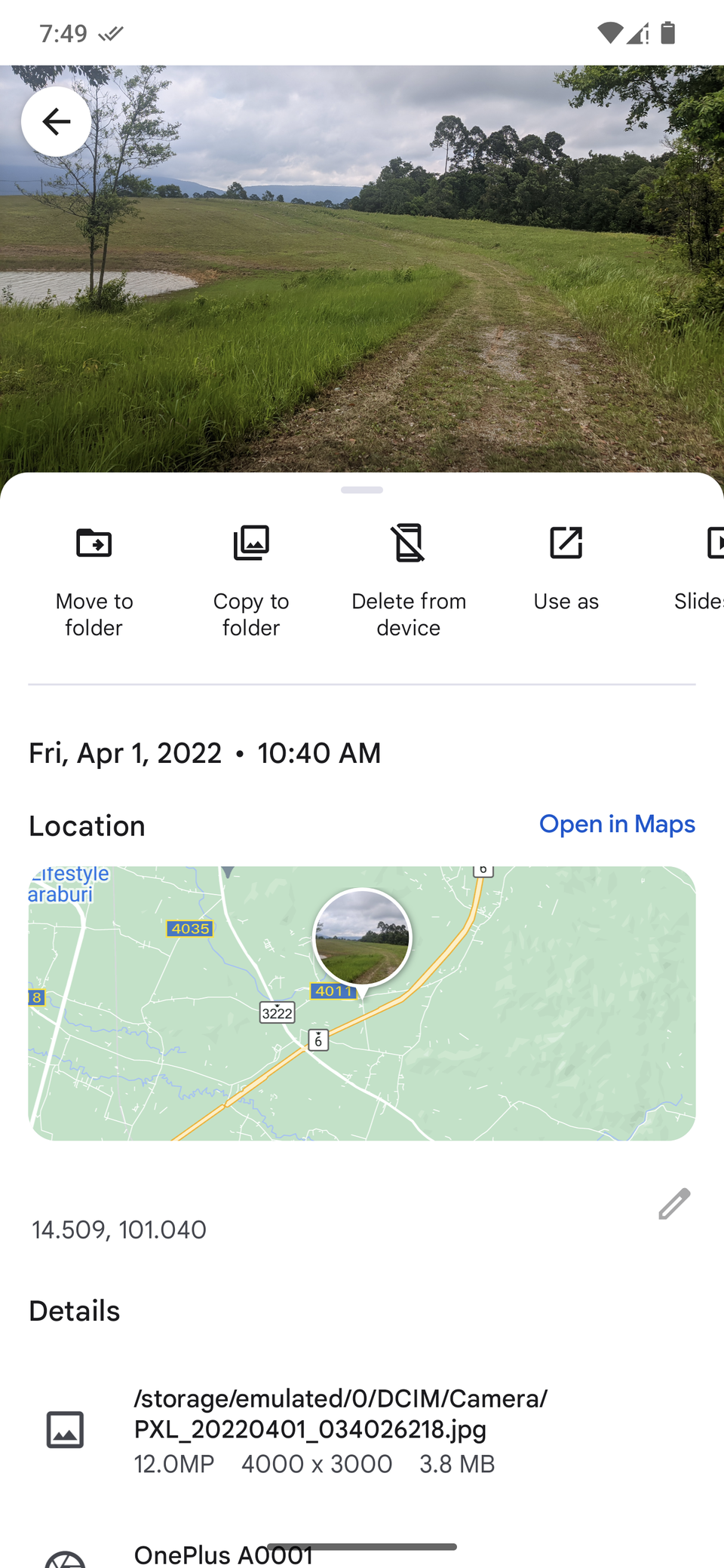
Fix - GCam photos missing location in LineageOS and GrapheneOS
Google Camera and its unholy ports have an option to “Save Location” for photos taken with the app. This adds GPS coordinates to the photo’s EXIF data, making it easier to generate albums by Place. On LineageOS and GrapheneOS this coordinate saving likely won’t work on a fresh install. GCam requires Google Services Framework to start, but uses Google Play Services for location. Google Play Services is probably missing the Location permission “Allow all the time” If you have Google Play Services installed (sandboxed or otherwise), go to Settings > Apps > Google Play Services > Permissions > Location and ensure the permission is Allowed all the time. I’d you’re using MicroG, do the same with the MicroG app. Your photos should now be saved with location data included. There’s likely a good reason why, but on these aftermarket ROMs GPlay Services is not given background location permissions by default. 🤷
2021
SCE TOU Calculator in Home Assistant
I’ve already been plugging in data from my Emporia Vue, which reads the meter from Southern California Edison and allows me to query my usage in kW/h from Home Assistant. I now need to calculate cost, which is variable based on what SCE calls TOU (Time Of Use). This essentially means peak hours (typically 4PM - 9PM) have higher rates than off-peak. I broke this problem down into 3 entities to solve: TOU Season (Summer vs Winter) TOU Peak (Current hourly block) TOU Cost ($ per kW/h) I can use Cost as the dynamic entity in our Energy Usage dashboard. This, combined with the kW/h reading, can be used to calculate total energy costs per day. This defines the 3 entities in my sce.yaml. If you’re copying this, plug your peak costs into the last few lines of this snippet. You can find updated rates here: https://www.sce.com/residential/rates/Time-Of-Use-Residential-Rate-Plans template: - sensor: - name: "TOU Season" state: "{{ ['Winter', 'Summer'][now().month >= 6 and now().month < 10] }}" icon: mdi:weather-cloudy-clock - sensor: - name: "TOU Peak" icon: mdi:calendar-clock state: > {% set is_weekend = now().strftime("%w") == 0 or now().strftime("%w") == 6 %} {% if states('sensor.tou_season') == "Summer" %} {% if now().hour >= 16 and now().hour < 21 %} {% if is_weekend %} {{ "Mid-Peak" }} {% else %} {{ "On-Peak" }} {% endif %} {% else %} {{ "Off-Peak" }} {% endif %} {% else %} {% if now().hour >= 16 and now().hour < 21 %} {{ "Mid-Peak" }} {% elif now().hour >= 21 or now().hour < 8 %} {{ "Off-Peak" }} {% else %} {{ "Super Off-Peak" }} {% endif %} {% endif %} - sensor: - name: "TOU Cost" icon: mdi:currency-usd device_class: monetary state: > {% if states('sensor.tou_season') == "Summer" %} {{ {"Off-Peak": 0.15, "On-Peak": 0.41, "Mid-Peak": 0.30}[states('sensor.tou_peak')] }} {% else %} {{ {"Super Off-Peak": 0.15, "Off-Peak": 0.15, "Mid-Peak": 0.38}[states('sensor.tou_peak')] }} {% endif %} Updated values for Option 1 TOUD-5-8PM: template: - sensor: - name: "TOU Season" state: "{{ ['Winter', 'Summer'][now().month >= 6 and now().month < 10] }}" icon: mdi:weather-cloudy-clock - sensor: - name: "TOU Peak" icon: mdi:calendar-clock state: > {% set is_weekend = now().strftime("%w") == 0 or now().strftime("%w") == 6 %} {% if states('sensor.tou_season') == "Summer" %} {% if now().hour >= 17 and now().hour < 20 %} {% if is_weekend %} {{ "Mid-Peak" }} {% else %} {{ "On-Peak" }} {% endif %} {% else %} {{ "Off-Peak" }} {% endif %} {% else %} {% if now().hour >= 17 and now().hour < 20 %} {{ "Mid-Peak" }} {% elif now().hour >= 20 or now().hour < 8 %} {{ "Off-Peak" }} {% else %} {{ "Super Off-Peak" }} {% endif %} {% endif %} - sensor: - name: "TOU Cost" icon: mdi:currency-usd device_class: monetary state: > {% if states('sensor.tou_season') == "Summer" %} {{ {"Off-Peak": 0.33, "On-Peak": 0.67, "Mid-Peak": 0.50}[states('sensor.tou_peak')] }} {% else %} {{ {"Super Off-Peak": 0.32, "Off-Peak": 0.36, "Mid-Peak": 0.55}[states('sensor.tou_peak')] }} {% endif %}
Lineage Custom Guacamole
My custom build of LineageOS for the OnePlus 7 Pro (Guacamole). These steps are completed in CI/CD once a month. Why? LineageOS is great, but its desire to not rock the corporate boat leaves out several ‘hacks’ that I find very valuable. The main Android repo is here on github, where you can see some of these changes being pulled in. Here are the customizations I make to my phone’s OS: Uses iOS emojis (from AppleColorEmoji). Adds custom apps to /system, such as Lawnchair, Google Photos, and the Play Store. Install the WireGuard kernel backend (This includes my OP7P kernel repo) Enable MicroG, a lightweight privacy focused replacement for Google Play Services. It also enables FDroid as a system app. Patches CTS key attestation. Enables signature spoofing for the Play Store. Enables call recording in the stock dialer. Much of this comes from lineageos4microg. Build Process The main repos I have modified can be found on github: https://github.com/qcasey/android https://github.com/qcasey/android_vendor_partner_gms https://github.com/qcasey/android_kernel_oneplus_sm8150 The repo doing builds in CI is on my gitlab: https://git.quinncasey.com/qcasey/lineageos-patches/-/tree/main Helpful Links KeyStore: Block key attestation for Google Play Services · ProtonAOSP/android_frameworks_base@7f7a9b1 GitHub - LSPosed/LSPosed: LSPosed Framework android_kernel_wireguard - Android ROM directory for WireGuard inclusion GitHub - kdrag0n/safetynet-fix: Universal fix for Google SafetyNet on Android devices with hardware attestation and unlocked bootloaders. Old signature spoofing attempts NanoDroid/DeodexServices.md at master · Nanolx/NanoDroid · GitHub NanoDroid/Issues.md at master · Nanolx/NanoDroid · GitHub How can I pass safety net on Android 11? | XDA Developers Forums Files · 11-attempt · oF2pks / Haystack · GitLab Custom ROM development - Android Kitchen Results LineageOS gets 6hrs screen on time on a 2yo OnePlus 7 pro Works (that I’ve seen not working before) Mobile Data Smooth launcher transitions and task switching (via QuickSwitch) WireGuard via kernel module (root still required) Play Store, signed in within Android Work profile Location services (Google Maps, location EXIF data in Camera) Yubikey / U2F / Fido2 (thanks, ale5000) Doesn’t Work All of these are due to missing APIs in Microg. Google Pay Ebay / other apps’ “Barcode Scanning” feature
HavocOS
This is outdated, I’m now using LineageOS proper HavocOS is what I’ve been running on my phone for about a year now. It got me to Android 11 before OnePlus did. After learning that it sets SELinux to permissive, I want to make a pros and cons list before I switch back to stock OxygenOS ✅ Pros “Smart Pixels” turns off every other pixel for a super dim experience. Nice at night. Disable app’s network permission Faster updates than OxygenOS ❌ Cons SELinux set to permissive Share sheet mistargets apps Untrusted developer
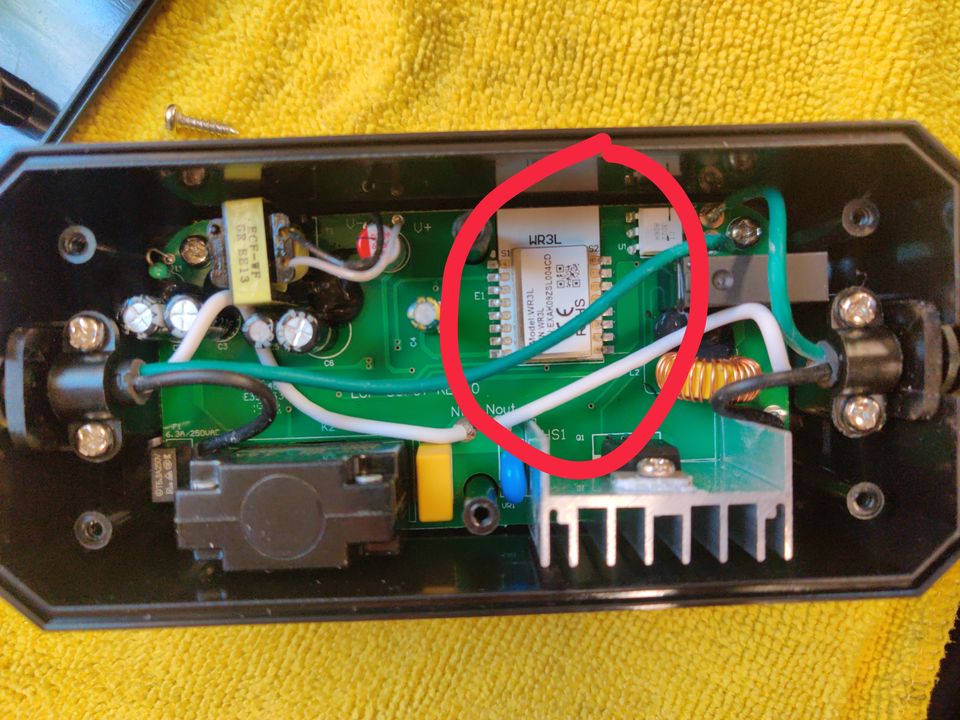
Teckin SS31
Another Non-Flashable Smart Device
Lenovo Yoga 14sACH 2021
April 2022 Update There is a weird suspend bug prolific with the latest BIOS, had to follow these instructions to fix. August 2021 Update the 16G of RAM really hold this thing back, a lot of workloads are stuck swapping and are held back from utilizing all available cores. This is a mostly-excellent machine, and as of 2021 is my daily driver. Some things I miss from my old Thinkpad X1 Carbon (6th Gen): Trackpad has a far louder click, almost sounds broken Keyboard is shallow No HDMI port, only one USB-A But the 5800H behind a 90hz display is so dang fast I easily forget those minor grievances. Warranty Request https://pcsupport.lenovo.com/us/en/products/laptops-and-netbooks/yoga-series/yoga-slim-7-pro-14ach5/82ms/82ms0000cd/pf2p50zy/contactus Suggested by reddit Failed. Wasn’t expecting anything, but it was worth a shot. Hi Quinn, Unfortunately, we are unable to proceed with this request as this product was purchased through a Non Authorized Channel. Not only Alibaba is not an authorized platform, but this user is not a Lenovo´s authorized Reseller. Lenovo Machines are not eligible for resale unless they are sold by Authorized Resellers. For further information, please contact your Sales Rep. Thanks and sorry for any inconvenience. Let us know if there is anything else we can assist you with. Kind regards.
SCE Power Meter
To get data from SCE power meter, some options: https://www.amazon.com/gp/product/B084T6HGNR/ref=ox_sc_act_title_1?smid=A2MZON57HPVTEJ&psc=1 Integrations to Home Assistant: https://community.home-assistant.io/t/emporia-vue/178737 https://github.com/magico13/ha-emporia-vue with $25 rebate: https://www.sce.com/residential/rebates-savings/hanlogin Reddit thread: https://www.reddit.com/r/homeassistant/comments/im49ud/is_it_possible_to_get_data_from_my_utilitys_meters/ with generic utility radio hack: https://github.com/bemasher/rtlamr
Control Proxmox VM States
Home Assistant only creates sensors for VM states, and does not yet provide a way to control those VMs. If you want to simply shutdown/startup a VM from Home Assistant, the rest_command is your friend.
2020

Ulauncher Extension
A Ulauncher extension to view and control devices in your Home Assistant instance.
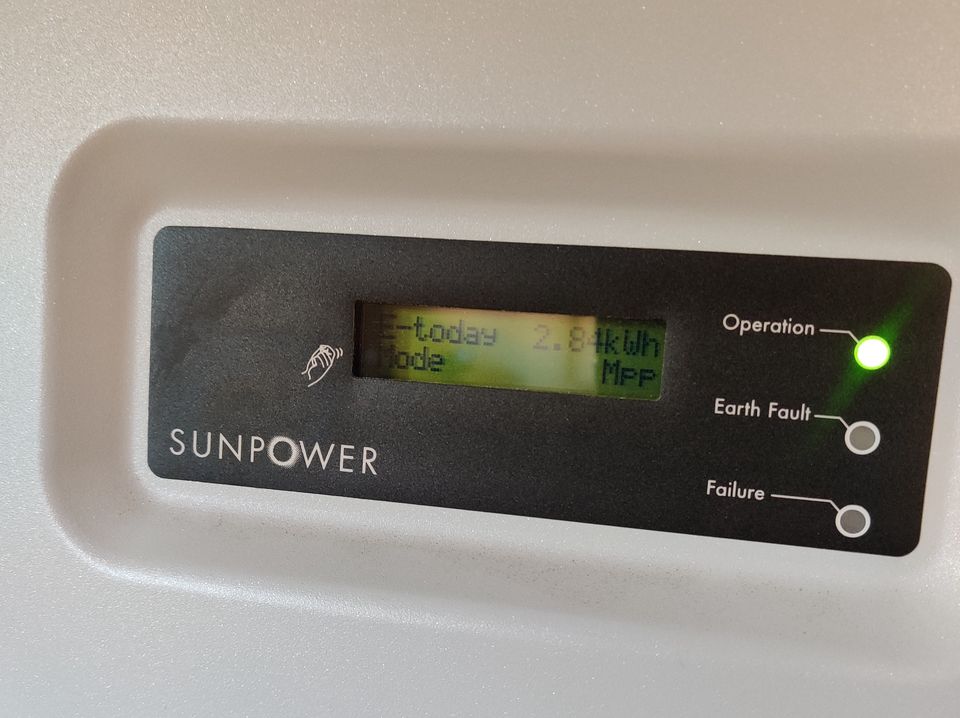
Sunpower Solar report hacking
Python script for decoding Sunpower inverter packets and recording solar production, power consumption, and temperature in Home Assistant.

LineageOS - Automatically power on when connected to charger
The display in my car needs to automatically boot when powered. This custom patch should work for many LineageOS devices.
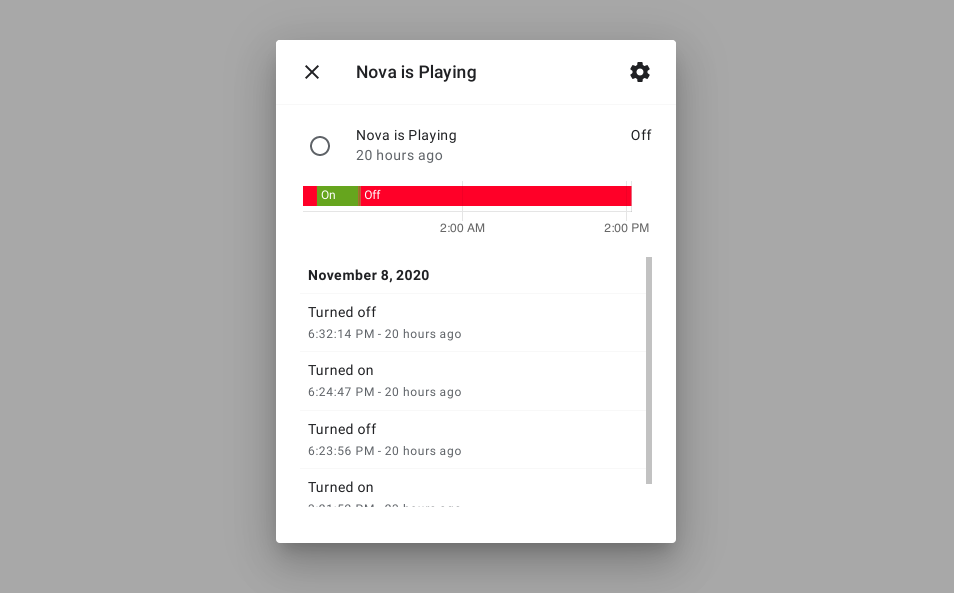
Faster Kodi Integration updates
The Home Assistant Kodi Integration is nice, but as of writing it becomes slower the longer Home Assistant runs. This sucks, especially when automations (like turning on a power hungry receiver) don't run because of it.
2019
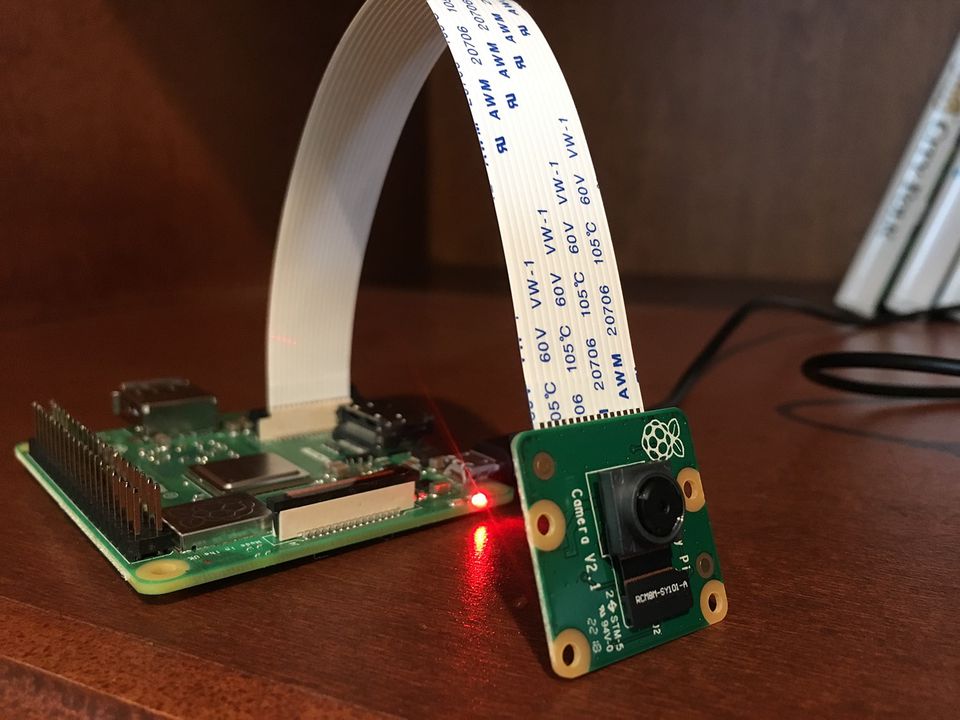
Raspberry Pi Camera v2.1: Maximum Functional Range
What's the maximum range of the CSI port on the latest Raspberry Pi A+?
2018
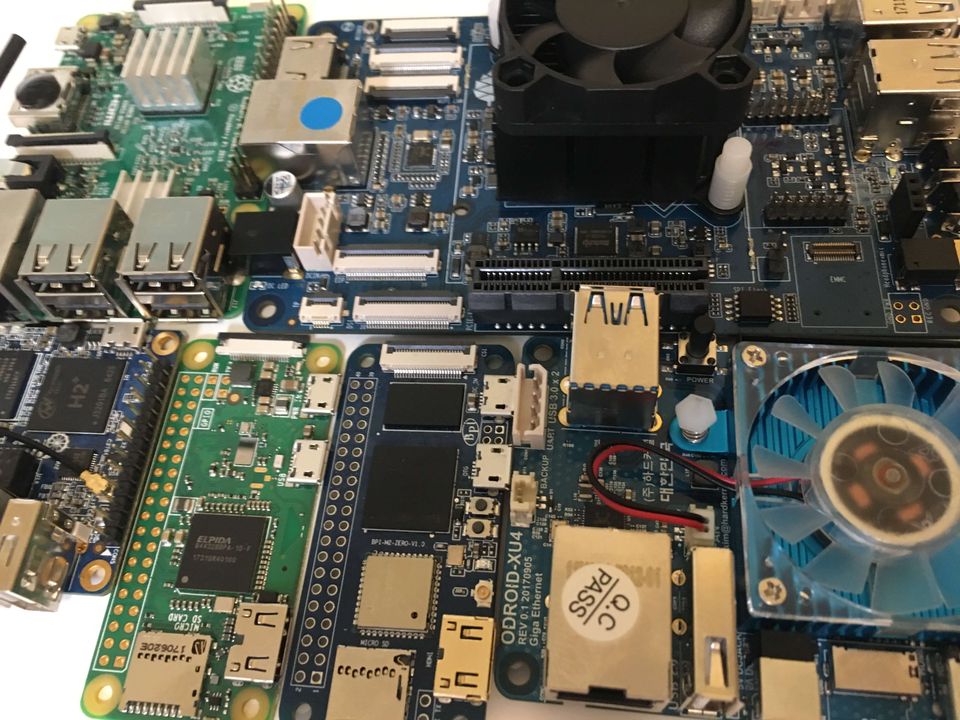
Transcoding Benchmarks
I bought several common Linux Small Board Computers (SBCs) online and immediately threw them into deep water by testing their video transcoding performance.
0001
Hisense 4k TV Flickering Plex & YouTube
Flickering can be resolved by turning off General > Automatic Light Sensor Auto White Balance